
Complaint Management System
Home » Complaint Management System

Complaint Management Software for Tracking & Resolving Customer Issues

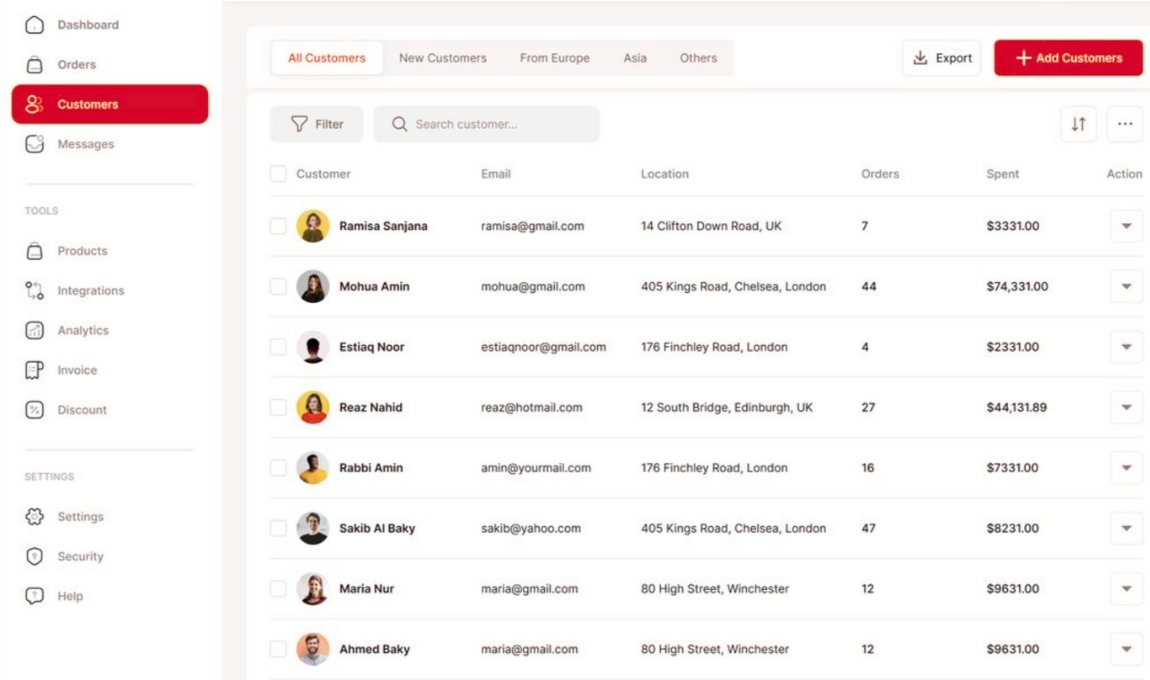
Alison’s Web-based Complaint Management System (CMS) helps businesses log, respond, investigate, and analyze complaints efficiently. It handles both negative feedback (complaints) and positive feedback. As a result, companies can respond quickly to customer issues, improving customer satisfaction and enhancing brand reputation.

customer services

Complaint Management Software Features

01

Complaint Registration

Users can register complaints easily through the web portal. The system assigns each complaint a unique ID for tracking. Moreover, the centralized platform ensures proper management of all complaints.

02

Priority Management

Administrators can assign priority levels such as High, Medium, or Low. This ensures urgent complaints are addressed first. Additionally, the system sends automatic notifications for timely responses.

03

Complaint History & Logs

The system maintains a complete log for each complaint, recording date, time, and user information. This allows administrators to analyze historical data and identify recurring patterns.

4

Complaint Acknowledgment

After submitting a complaint, the user receives an acknowledgment receipt containing the complaint ID and submission date. Additionally, the system can send confirmation via email or SMS.

5

Status Tracking

Users can check the current status of their complaints (Pending, In Progress, or Resolved) at any time. Whenever a status is updated, automatic notifications are sent, and administrators or staff can update statuses in real time.

6

Search & Filters

The system includes a powerful search feature. Users and administrators can search complaints by ID, date, or category. In addition, advanced filters make it faster to find complaints, showing details and current status.

07

Complaint Details & Classification

Launching a complaint is simple. Users fill out a form with type, description, and priority. As a result, the process is user-friendly and quick.

8

Response Management

Administrators and staff can send responses directly through the system, and all response history remains transparent. If a complaint is unresolved on time, the system automatically escalates it, ensuring proper follow-up. Therefore, no complaint is ever overlooked.

FAQS: Everything You Need to Know About Our Services

Customers or staff register a complaint through a web portal, and the system assigns it a unique ID. Your team can then log, respond to, investigate and analyze each complaint from a single centralized dashboard, so nothing slips through the cracks.
Yes. Administrators can set High, Medium or Low priority levels so critical issues are handled first. Automatic notifications keep your team alert and responses timely.
Yes. Users receive an acknowledgment receipt with the complaint ID and submission date, and they can check whether it is Pending, In Progress or Resolved at any time. Status updates trigger automatic notifications, which builds transparency and trust.
The system automatically escalates unresolved complaints, so there is always proper follow-up. Every response and action is recorded in a complete log with date, time and user details.
Yes. Complaint logs let administrators study historical data and spot recurring issues and patterns. You can also search and filter by ID, date or category to quickly find any record and make data-driven improvements.

Empower Your Business with Smart Software Solutions

We’ll contact you within a couple of hours to schedule a meeting to discuss your goals.

Follow Us:

Book a Free Consultation